1. Project Overview
The Transport Management System was a .NET-based enterprise application deployed across multiple Windows Server environments. The application required frequent releases and a reliable deployment process to ensure that new features, enhancements, and fixes could be delivered consistently across Development, UAT, and Production environments.
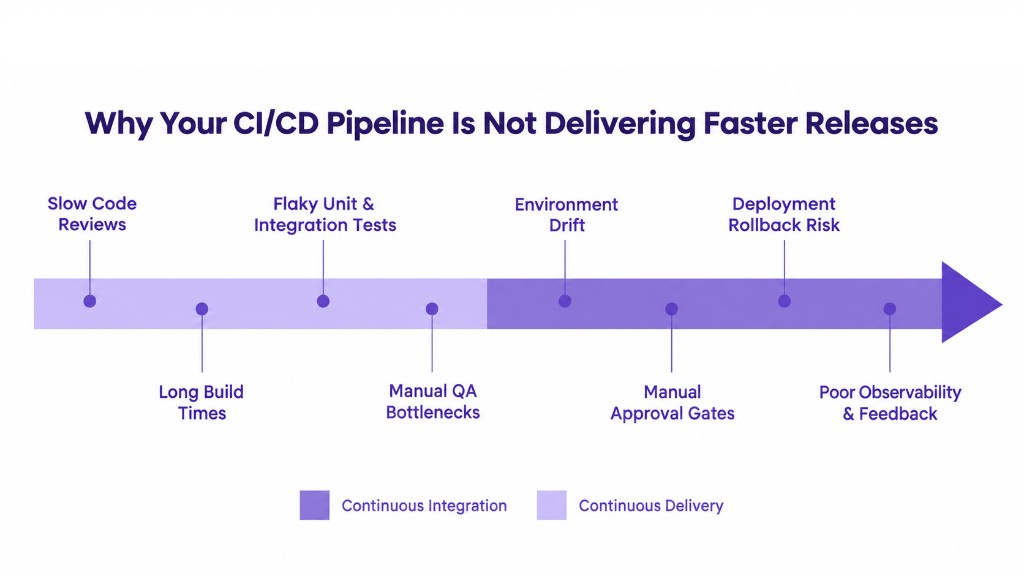
The existing process involved several manual activities, including application compilation, NuGet package restoration, artifact preparation, configuration management, server deployment, and post-deployment validation. These activities increased deployment effort and introduced risks such as configuration mistakes, inconsistent deployments, and difficulty in tracking the exact version deployed to each environment.
To improve the application delivery process, an automated CI/CD pipeline was implemented using Azure DevOps.
2. The Challenge
The project faced several challenges with the existing application delivery process:
- Manual .NET application builds and deployments required significant operational effort
- Dependency restoration and application packaging needed to be standardized
- Environment-specific configurations had to be managed carefully
- There was no streamlined process for maintaining and tracking deployment artifacts
- Deploying a new artifact without taking a backup increased rollback risk
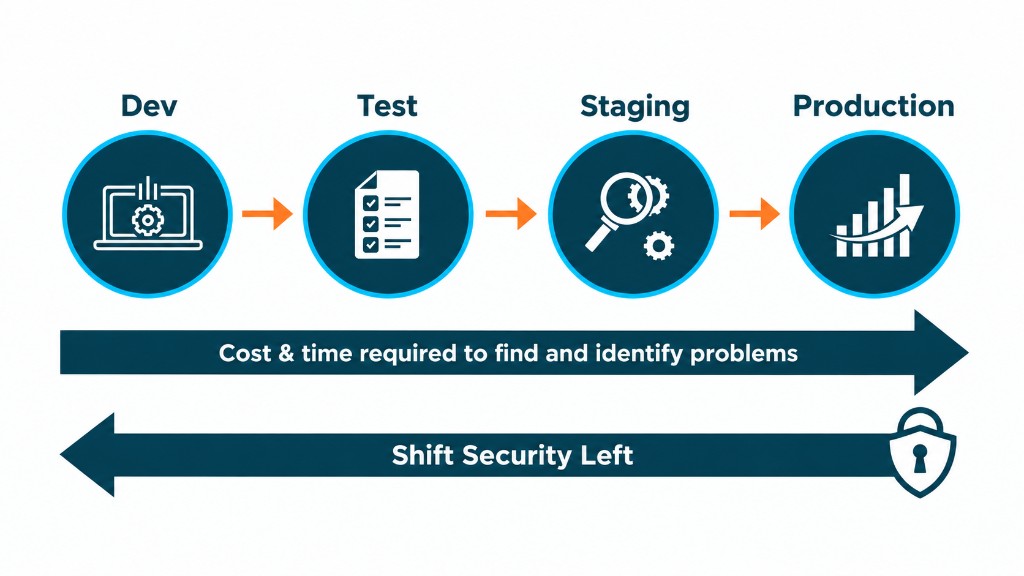
- Code quality validation and integration testing needed to be incorporated into the delivery process
- Production deployments required proper approval and environment-level controls
- Troubleshooting deployment issues involved checking multiple manual steps
The objective was to build a repeatable, secure, and controlled CI/CD process that could automate application delivery while maintaining deployment reliability.
3. Solution Delivered
Implemented and maintained an end-to-end Azure DevOps CI/CD pipeline for automating the build, validation, artifact management, and deployment of the .NET application. The pipeline was designed to move the application through multiple stages, starting from source code and ending with deployment and validation on Windows Server.
Source Code → NuGet Restore → MSBuild Build → SonarQube Analysis → Integration Testing → Artifact Creation → Artifact Versioning → Approval → Backup → CCD Configuration → Deployment → Validation
Key Implementations
- Automated .NET build, MSBuild was configured within Azure DevOps to automate compilation and packaging, so builds were performed consistently using the defined build configuration rather than relying on manually generated packages.
- NuGet package management, package restoration was integrated into the CI pipeline to automatically download and restore the application's required dependencies, reducing manual dependency management.
- SonarQube integration, automated code quality analysis generated results and reports that helped identify issues before the application was promoted to higher environments.
- Integration testing, automated test cases were configured as part of the pipeline, with failed test execution able to prevent the application from progressing to subsequent deployment stages.
- Artifact management and versioning, deployable artifacts were generated and published after successful build and validation stages, maintained with version and build information for full traceability and easy redeployment of a previously successful release.
- CCD variable management, environment-specific configuration values were managed separately from the application package, letting the same artifact be promoted across environments while applying the right configuration for each one.
- Pre-deployment backup, a backup of the existing application was taken before uploading and deploying the new artifact to the Windows Server, providing an additional rollback mechanism if a release caused issues.
- Windows Server deployment, automated deployment stages handled application file updates and environment-specific configuration across the required server environments, reducing manual server-side activity.
- Approval and environment controls, environment-level approvals and gates ensured the application was not promoted to critical environments without required validation and authorization, while lower environments stayed highly automated.
- Monitoring and troubleshooting, pipeline logs, test results, SonarQube reports, and deployment information were used to investigate and resolve issues across MSBuild, NuGet, SonarQube, testing, artifact generation, configuration, deployment, and application startup.
| Tool | Role in the Pipeline |
|---|---|
| Azure DevOps | CI/CD orchestration, environment approvals, and pipeline logging across all stages |
| MSBuild | Compiles and packages the .NET application using a standardized build configuration |
| NuGet | Restores the application's required package dependencies automatically on every build |
| SonarQube | Runs automated code quality analysis and flags issues before promotion to higher environments |
| Windows Server | Hosts the application across Development, UAT, and Production environments |
| CCD Variables | Separates environment-specific configuration from the application package |
4. DevOps Process
The final application delivery process followed a standardized workflow:
Developer Code Commit → Azure DevOps CI Pipeline → NuGet Package Restore → MSBuild Compilation & Packaging → SonarQube Code Quality Analysis → Integration Test Execution → Artifact Creation & Versioning → Environment Approval → Backup Existing Application → Apply CCD Variables / Environment Configuration → Deploy Artifact to Windows Server → Post-Deployment Validation
5. Benefits to Customer
- Automated and standardized CI/CD process for .NET application delivery
- Reduced manual deployment effort through automated build and deployment stages
- Improved build reliability using standardized NuGet and MSBuild processes
- Improved code quality through automated SonarQube analysis and reporting
- Early defect detection through integration test automation
- Better release traceability through versioned application artifacts
- Safer deployments through automatic backup before replacing the existing application
- Improved rollback capability by retaining the previous application version
- Consistent configuration management using CCD variables across environments
- Controlled production releases through environment-level approvals and gates
- Faster troubleshooting using centralized Azure DevOps pipeline logs, test results, and deployment information
6. Overall Outcome
The DevOps implementation transformed the Transport Management System from a manual deployment process into a structured and automated CI/CD delivery model.
By integrating Azure DevOps, MSBuild, NuGet, SonarQube, integration testing, artifact versioning, CCD variables, automated backups, approvals, and Windows Server deployment, the project improved release consistency, deployment safety, traceability, and operational efficiency. The resulting pipeline provided a repeatable approach for delivering .NET application releases across multiple environments while reducing manual effort and deployment-related risks.
No commitment, just a clear view of where deployment risk is hiding.